
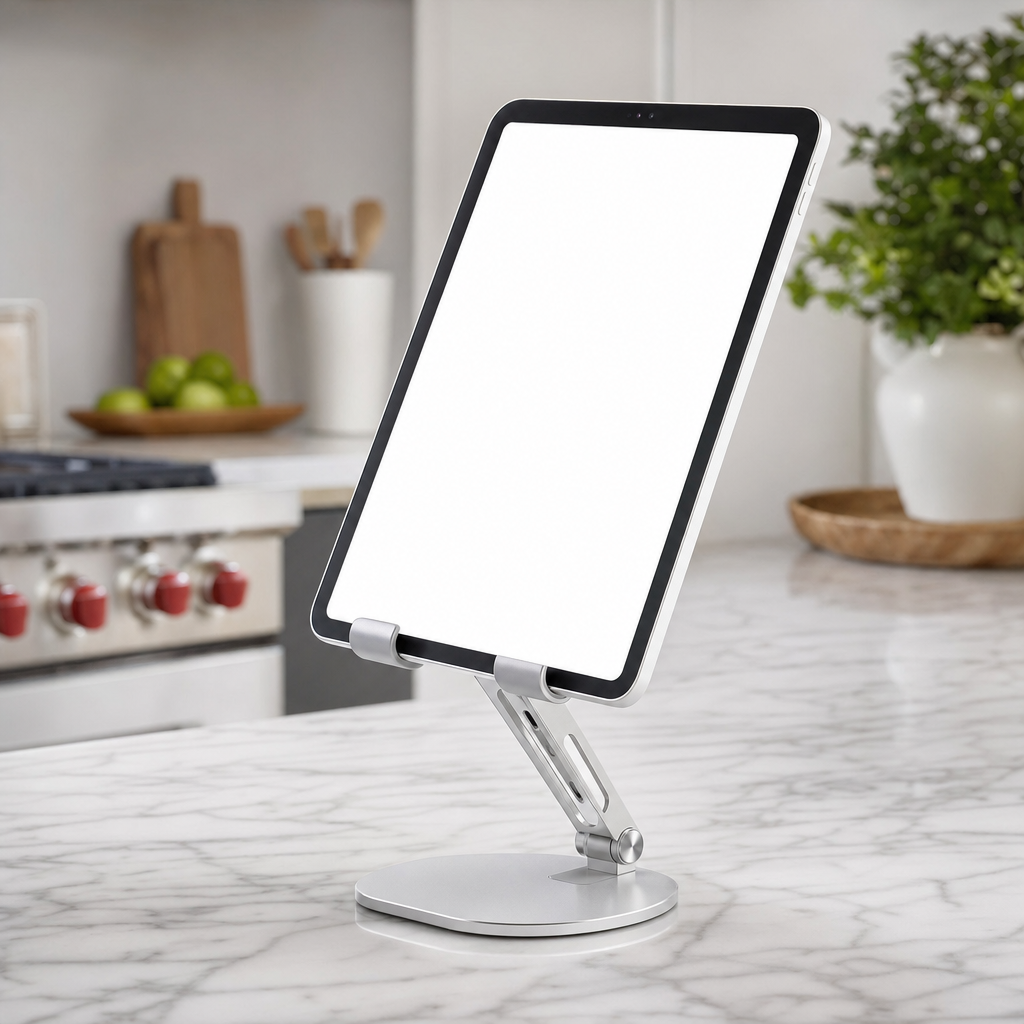
Understanding the Role of a Tablet Support Accessory
Tablets have evolved from casual browsing devices into powerful tools for reading, drawing, watching media, and managing daily tasks. However, holding a device for extended periods can lead to physical fatigue in your hands, wrists, and neck. A supportive cradle or desk mount helps alleviate this physical strain by holding the device at a comfortable eye level, allowing you to interact with the screen naturally without slouching over a flat surface.
Beyond ergonomics, these accessories help protect your technology from accidental spills, scratches, and drops that frequently occur when tablets are left flat on crowded kitchen counters or cluttered desks. By elevating the device, you keep vital ports accessible for charging cables while improving airflow around the hardware, which prevents excessive heating during intensive tasks like streaming high-definition video or running demanding applications for long stretches of time.
Exploring the Primary Styles of Tablet Mounts and Cradles
The market offers several distinct designs tailored to different environments and usage habits. Desktop cradles feature a weighted base and an adjustable spine, making them ideal for home offices, kitchen counters, or bedside tables where stability is paramount. These models often allow seamless tilting and rotation, letting you switch between landscape and portrait orientations effortlessly depending on whether you are reading an article or participating in a video conference.
Another popular category includes flexible gooseneck mounts and clamp-style arms that attach securely to desk edges, headboards, or workshop tables. These variations excel in scenarios where desk space is extremely limited or when you need the screen positioned at unconventional angles, such as viewing recipes from an overhead cabinet or following a workout video from the floor. Floor-standing models provide a similar versatility for musicians and artists who require hands-free mobility.
Key Material Choices and Build Quality Considerations
Material composition directly dictates how long an accessory will last and how well it will support heavier devices. Aluminum alloy models combine lightweight portability with exceptional structural rigidity, making them the preferred choice for people who travel frequently with their gear. Plastic variants are generally more affordable and lightweight, though they may lack the heavy-duty counterbalancing required for larger screen sizes without tipping over during vigorous tapping.
Contact points matter immensely when evaluating build quality to ensure your hardware remains undamaged during daily insertion and removal. Look for accessories equipped with high-density silicone or rubber padding along the cradle tray and backing plate. This cushioning prevents metal-on-metal or plastic-on-glass friction, absorbing minor shocks while ensuring the tablet stays firmly locked in place without sliding around or scratching the delicate chassis.
Matching Your Specific Activities to the Right Support Design
Different tasks demand unique structural features from your support accessory. Digital artists and note-takers require low-profile, sturdy drawing wedges that can withstand heavy stylus pressure without wobbling or collapsing under the weight of a resting hand. These models usually feature a nearly flat angle adjustment mode that mimics a traditional drafting table, providing superior control and precision during detailed creative sessions.
Conversely, individuals who primarily use their devices for media consumption, cooking tutorials, or virtual meetings will benefit more from articulating arms or elevated desktop risers. Raising the screen aligns the camera naturally with your eye level during video calls, eliminating unflattering downward angles. Furthermore, kitchen use requires surfaces that are easy to wipe clean and resistant to moisture exposure from food preparation and accidental liquid splashes.
Practical Factors for Portability and Workspace Organization
Workspace clutter can significantly reduce daily productivity and peace of mind. Many modern support devices incorporate thoughtful cable management channels, allowing power cords to thread neatly through the base rather than tangling across your desk surface. This simple feature keeps charging cables organized and easily accessible whenever your battery percentage runs low during important tasks.
For professionals and students who move between multiple locations, foldability and weight are critical evaluation metrics. A truly portable model should collapse flat into a compact footprint that slides effortlessly into a backpack or briefcase alongside your laptop and notebook. When evaluating these travel-friendly designs, pay close attention to the hinge mechanisms to ensure they maintain their tension and do not loosen up after repeated folding.
Frequently Asked Questions About Tablet Stands
Will a universal cradle fit my specific tablet model with its protective case on?
Many universal accessories feature adjustable grips or wider support ledges designed to accommodate bulky protective cases. However, measuring the total thickness of your device with its case is always recommended before choosing a model with fixed retaining lips.
Can heavy-duty arms cause structural damage to lightweight desk surfaces?
C-clamp and grommet mounts distribute pressure across a specific area of your desk. To prevent scratching or denting softer wood surfaces, using a small rubber pad or wooden block between the clamp and the desk distributes the tension safely.
How do I prevent lightweight desktop cradles from tipping over when tapping the screen?
Tipping usually happens when the center of gravity extends beyond the base or when the viewing angle is too steep. Choosing models with weighted metal bases or extending the rear support leg outward provides much better physical equilibrium.
Are adjustable hinges likely to wear out and become loose over time?
High-quality accessories utilize metallic pivot joints tightened with internal screws or robust friction disks. While lower-end plastic hinges can loosen with heavy daily adjustments, many durable models include a small hex wrench to easily retighten joints.
Article Was Generated By AI.